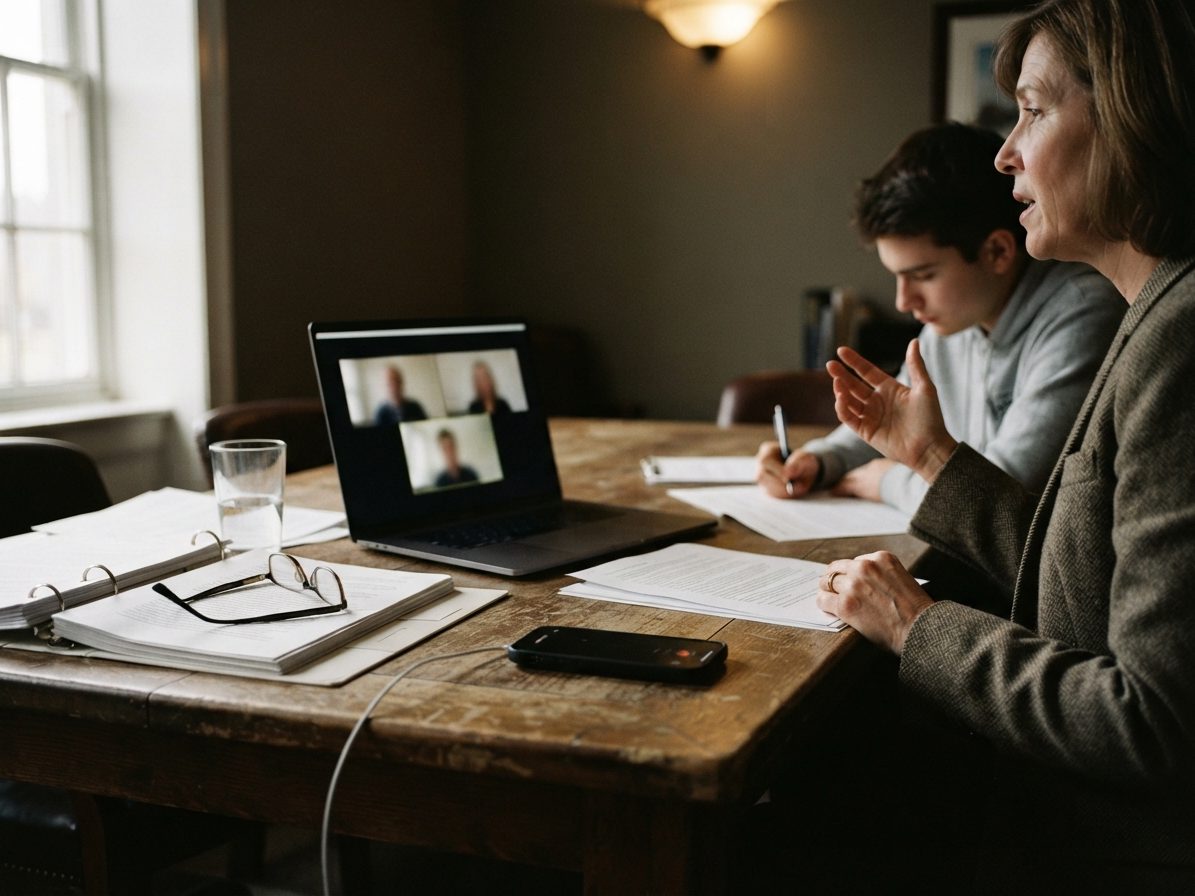
Legal
Client conversation to case-ready material
Diane drafts the memo and finds every statement again.
The meeting ends. HeyDiane has a clear summary, decisions, to-dos and source-linked material waiting on your desktop. From there, Diane keeps working with you: ask questions, compare conversations, enrich or rewrite the material, and turn it into emails, presentations, documents or spreadsheets.

Link Dropbox, Google Drive, OneDrive, HeyPocket or your personal HeyDiane e-mail address. A one-time setup, done in minutes.
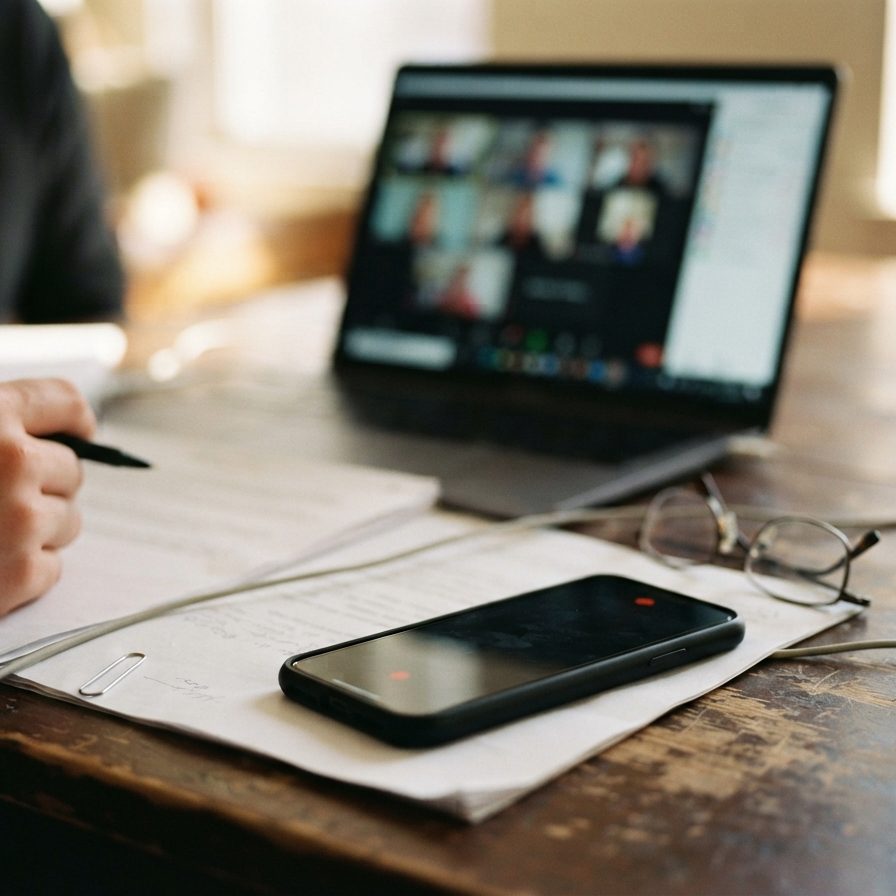
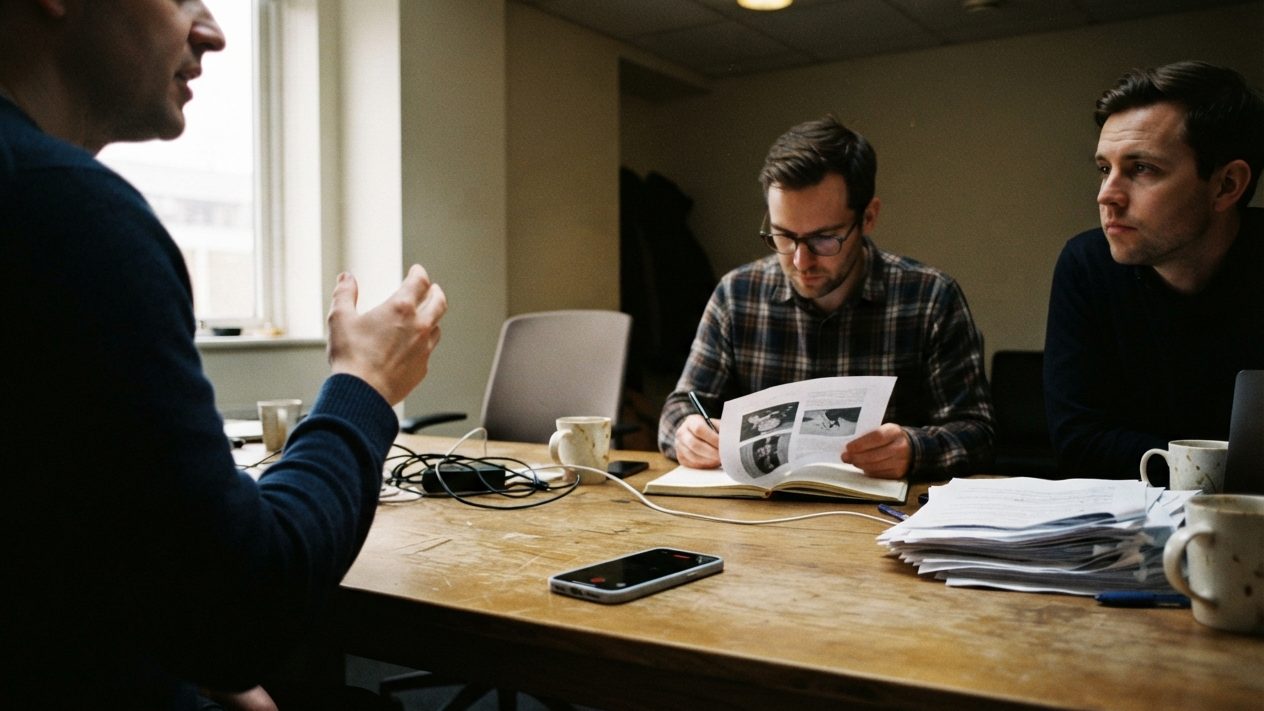
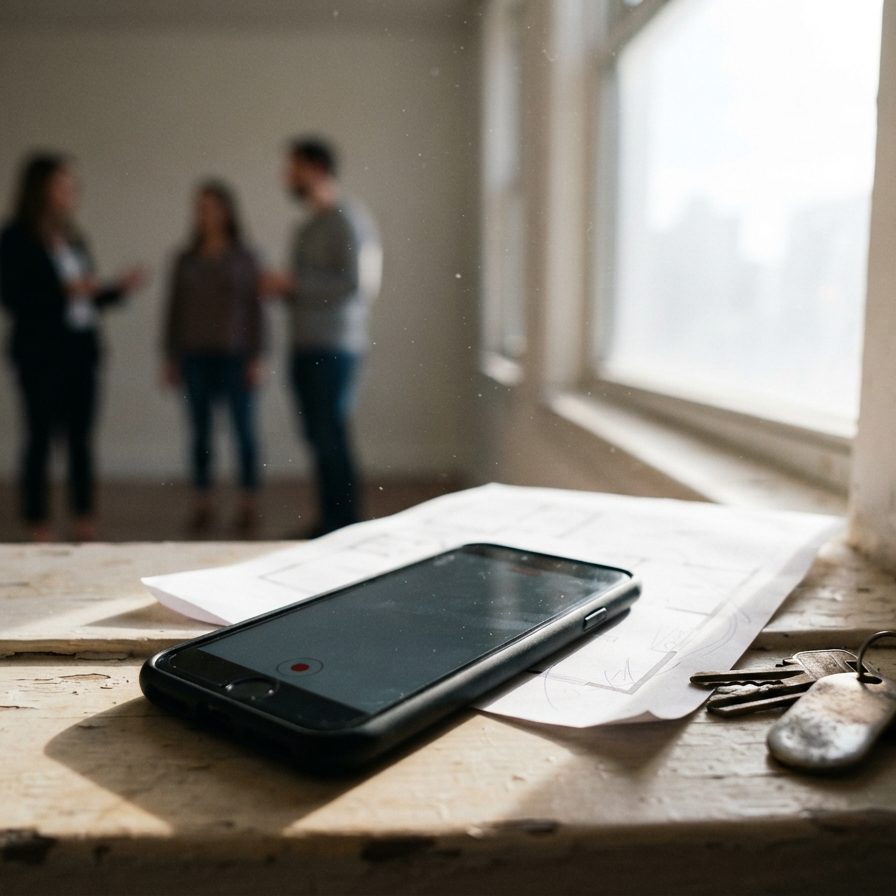
You do this oncePut the phone on the table, press record in any recorder app and keep talking. No bot joins the call.
You press one buttonHeyDiane structures the conversation into source-linked material. Ask, compare, enrich and turn it into the next email, document or spreadsheet.
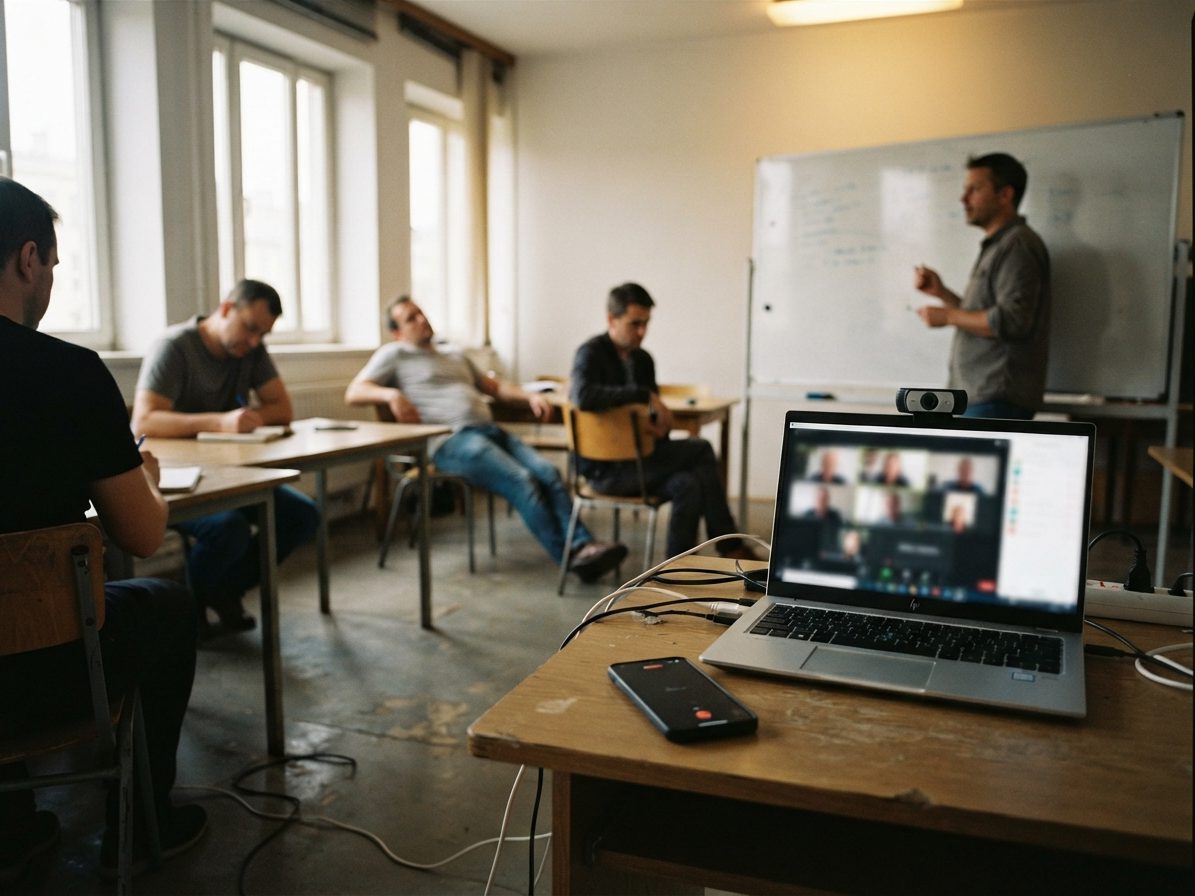
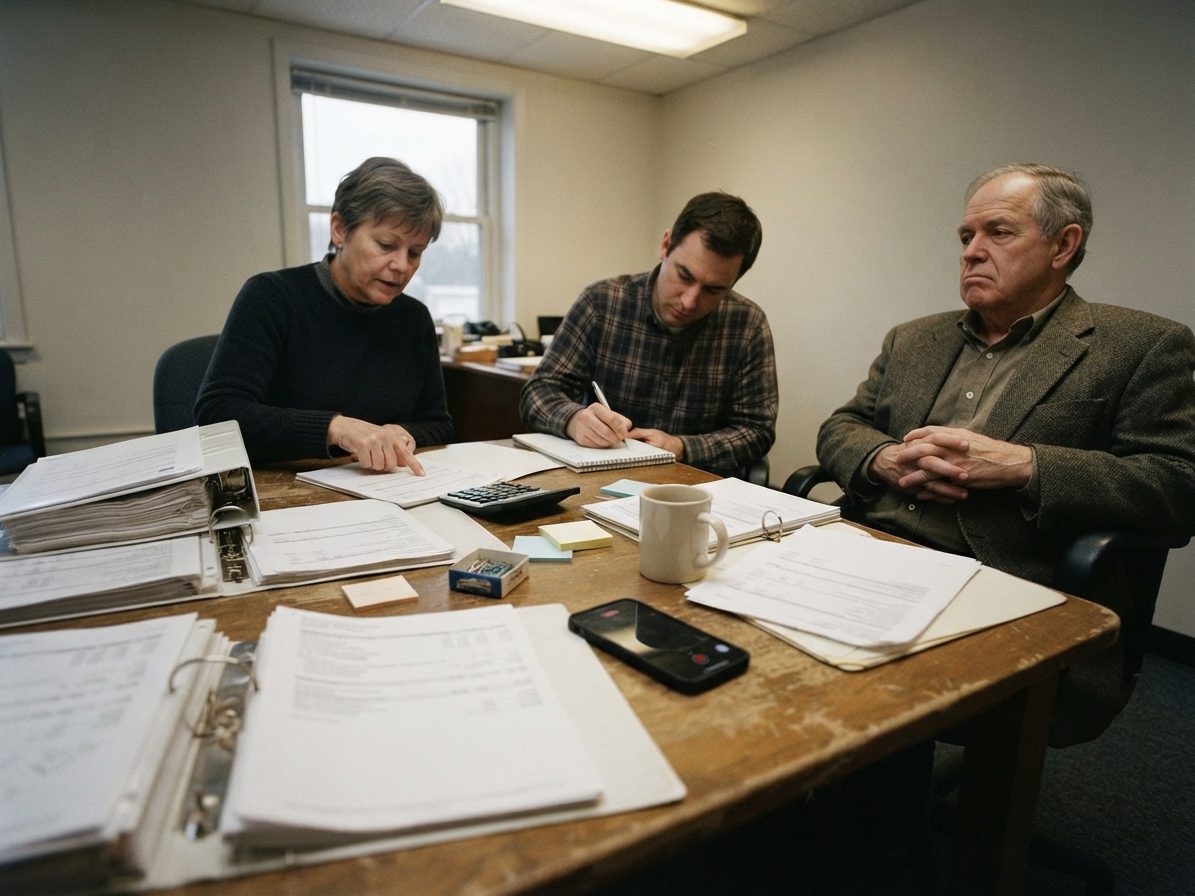
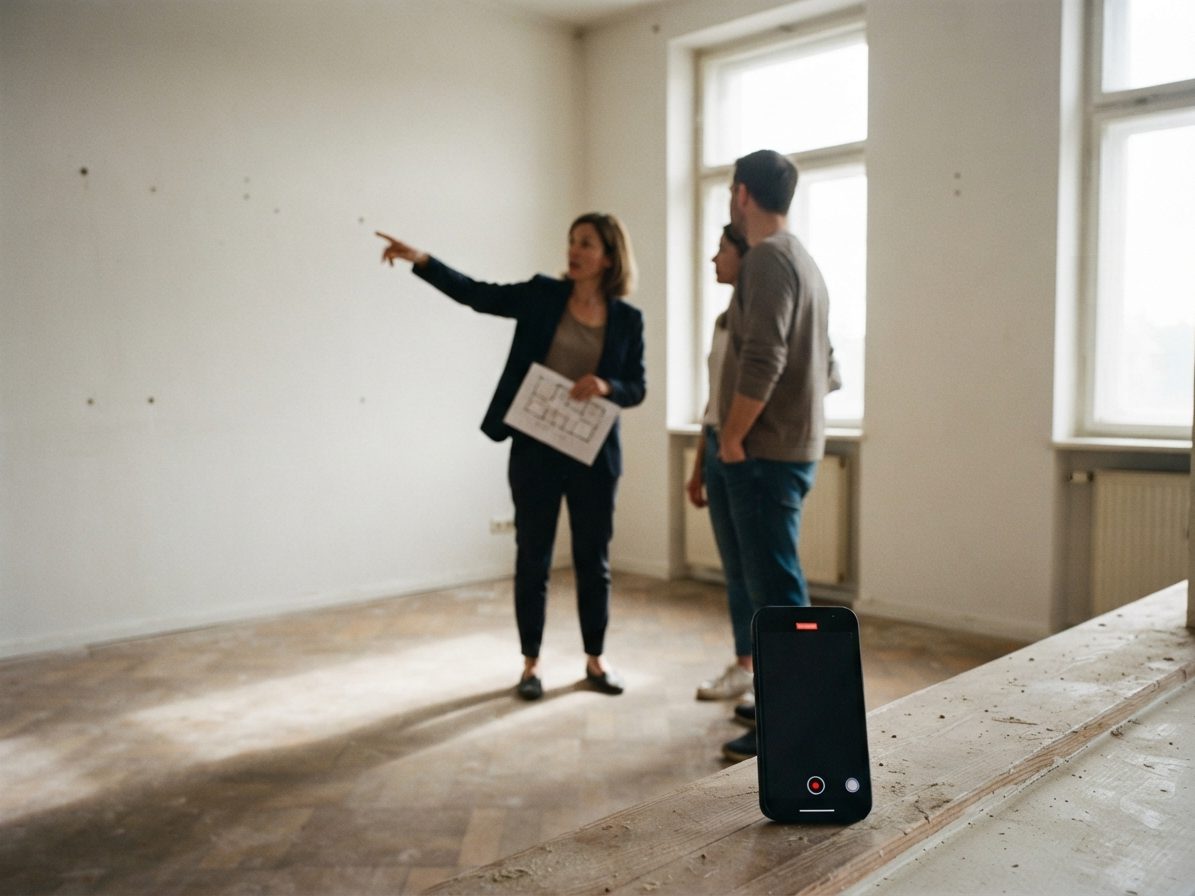
You keep working with DianeWherever the conversation happens, the handoff is the same: record it, and HeyDiane makes it ready for work.

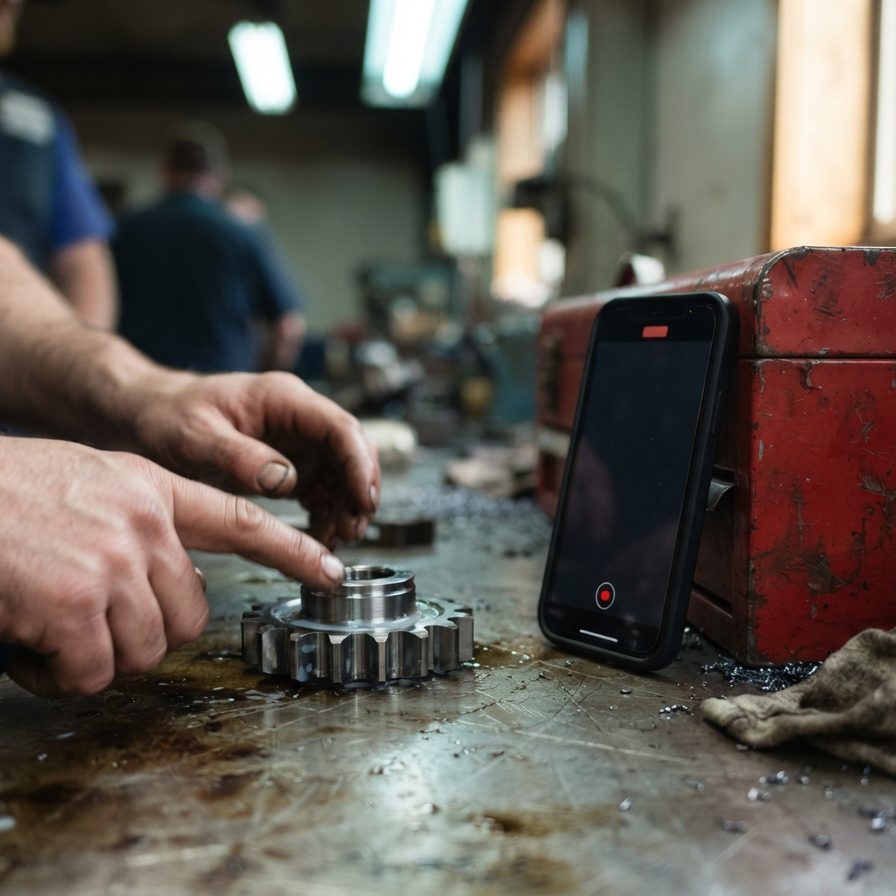



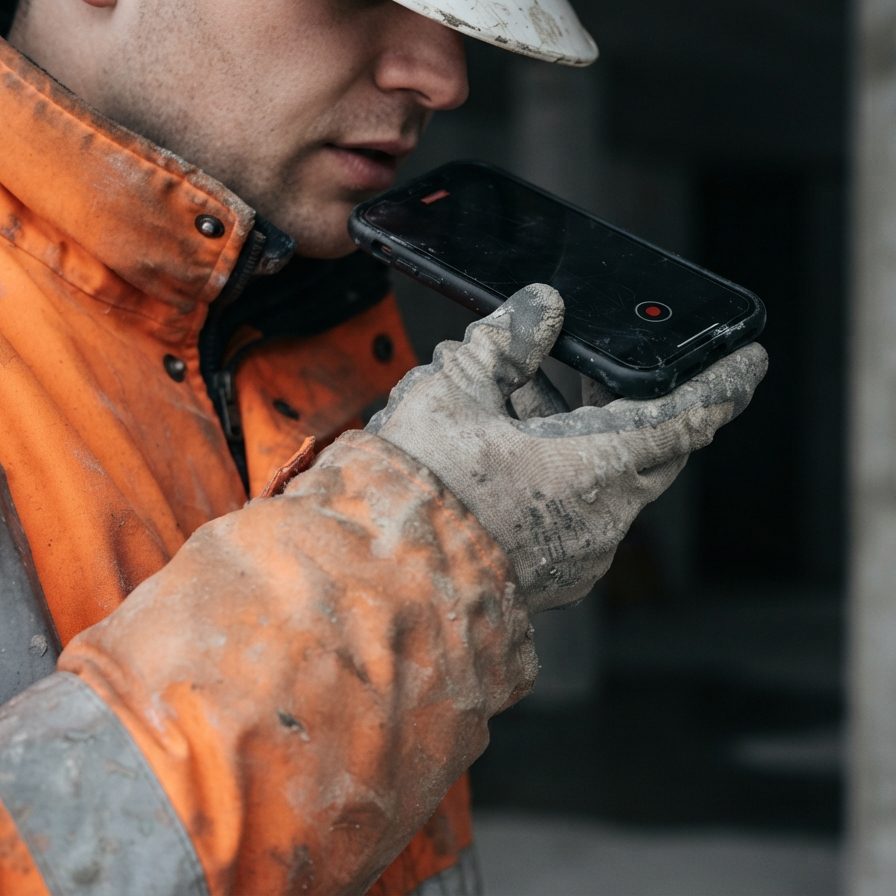
Whatever the conversation: Diane structures it, keeps the source attached and turns it into the next deliverable.
Explore a conversation



Connect Dropbox, Google Drive, OneDrive, HeyPocket or another supported source. When a finished recording appears, HeyDiane processes it automatically and places the conversation in your workspace. Manual upload remains available.
The recording arrives automatically. Manual upload stays available when you need it.
 Dropbox
 Google Drive
 OneDrive
HeyDiane does not replace your recorder. It picks up where every recorder app or dictation device stops: at the finished audio file.
Two situations, one handoff — a finished audio file:
Put it on the table and press record in any app that saves an audio file.
 Voice Memos (iOS)
 Just Press Record
 Easy Voice Recorder
 Google Recorder
 Google Keep
 HeyPocket
Voice Memos (macOS)
HeyPocket
Voice Memos (macOS)
 Sound Recorder (Windows)
 GarageBand (macOS)
A phone on the table only hears your side of a call. HeyRec records the meeting audio together with your microphone, so both sides end up in one file. Nothing joins the meeting.
Most recorder apps sync their files automatically. The moment the recording lands in your connected Dropbox, Google Drive or OneDrive folder, HeyDiane fetches it. No upload step.
DropboxGoogle DriveOneDriveNo cloud folder needed: upload the audio file straight into your workspace, or send it to your private HeyDiane e-mail address. Both are imported like any other recording.
HeyRec is our own desktop recorder for Mac and Windows. It records the room and uploads every finished recording to HeyDiane automatically, so the conversation is already waiting when you get back to your desk. It does nothing else. No bot joins the call.
Every conversation becomes structured working context for Diane. Ask for the fact you need, compare it with an earlier discussion, reshape it for a new audience or turn it into the next deliverable without rebuilding the context from scratch.
Ask in natural language and get the fact without searching notes or transcripts.
"What was the budget for the project we discussed last month?"Compare decisions, opinions, numbers or project changes across conversations and connect them to prior meetings.
Add context, reorganize, change tone, summarize for a different audience or expand a rough point into usable work.
Turn the material into an email, briefing, presentation, document, report, action plan, decision log or spreadsheet-ready table.
Prepare the result for the right audience, then keep working with Diane instead of treating the output as an endpoint.
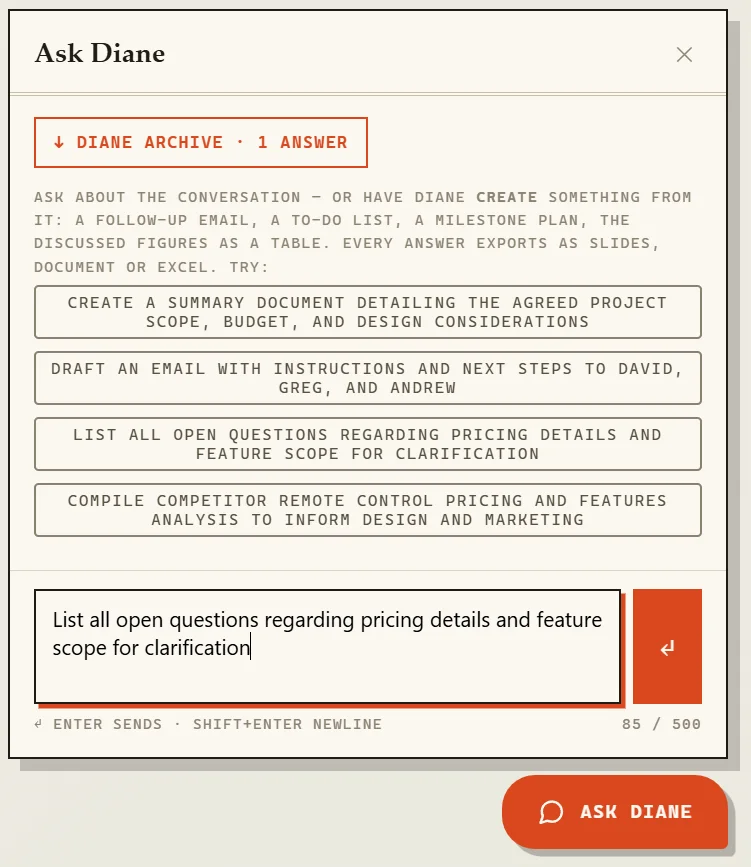
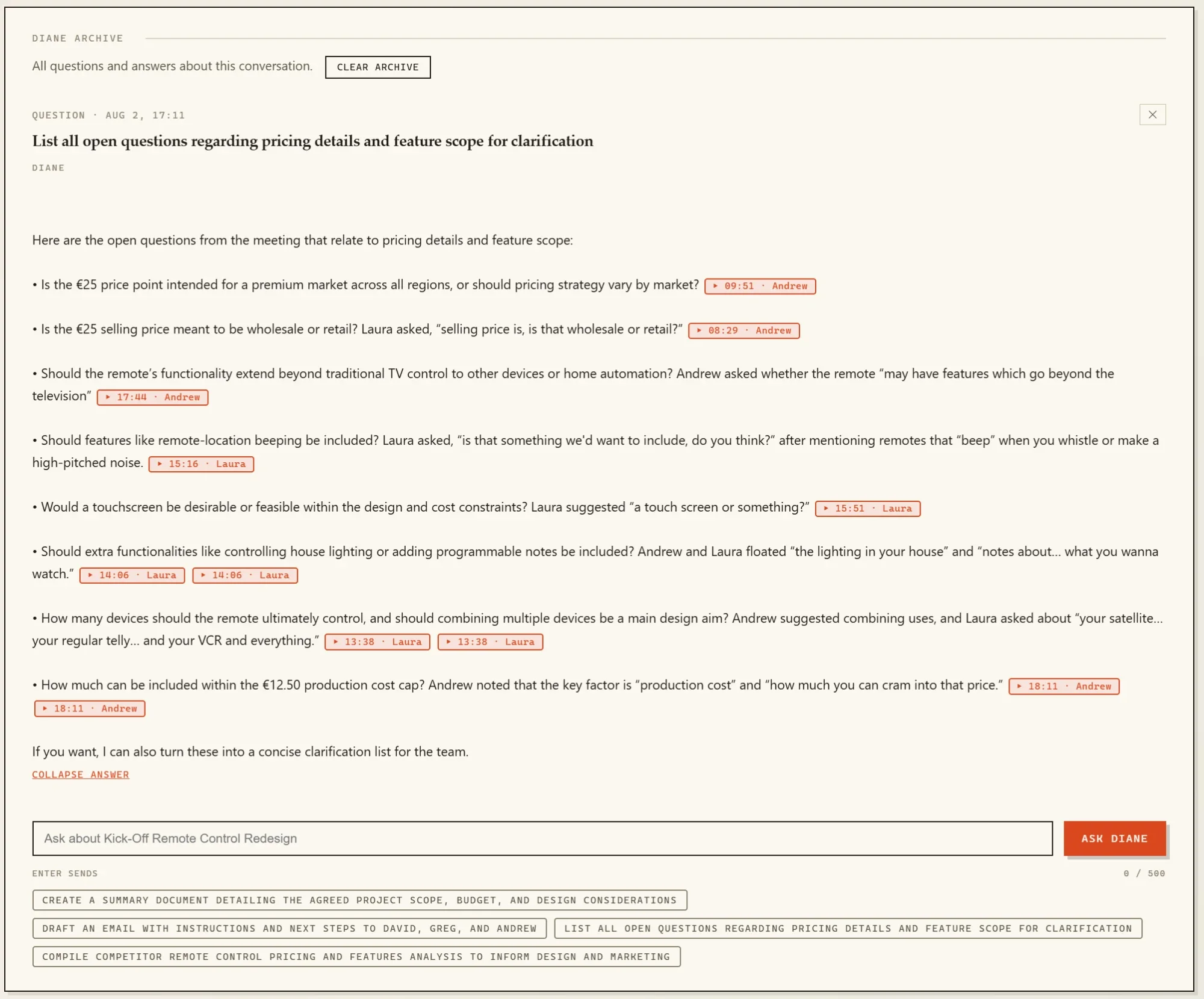
Explore the same sample conversation through its overview, speakers, transcript, work output and archive.
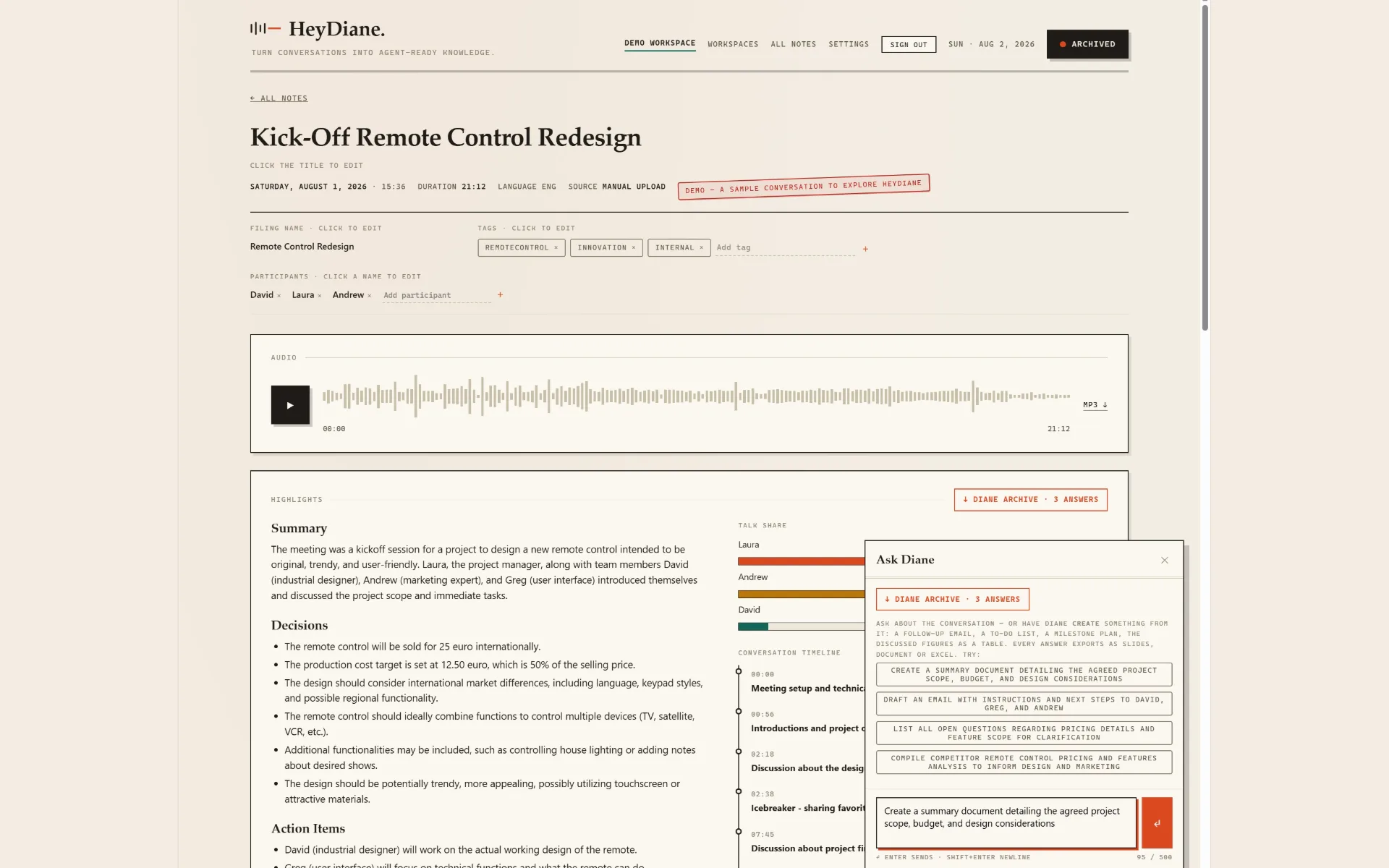
Summary, decisions, action items, open questions, Talk Share and a navigable timeline show the shape of the conversation at a glance.
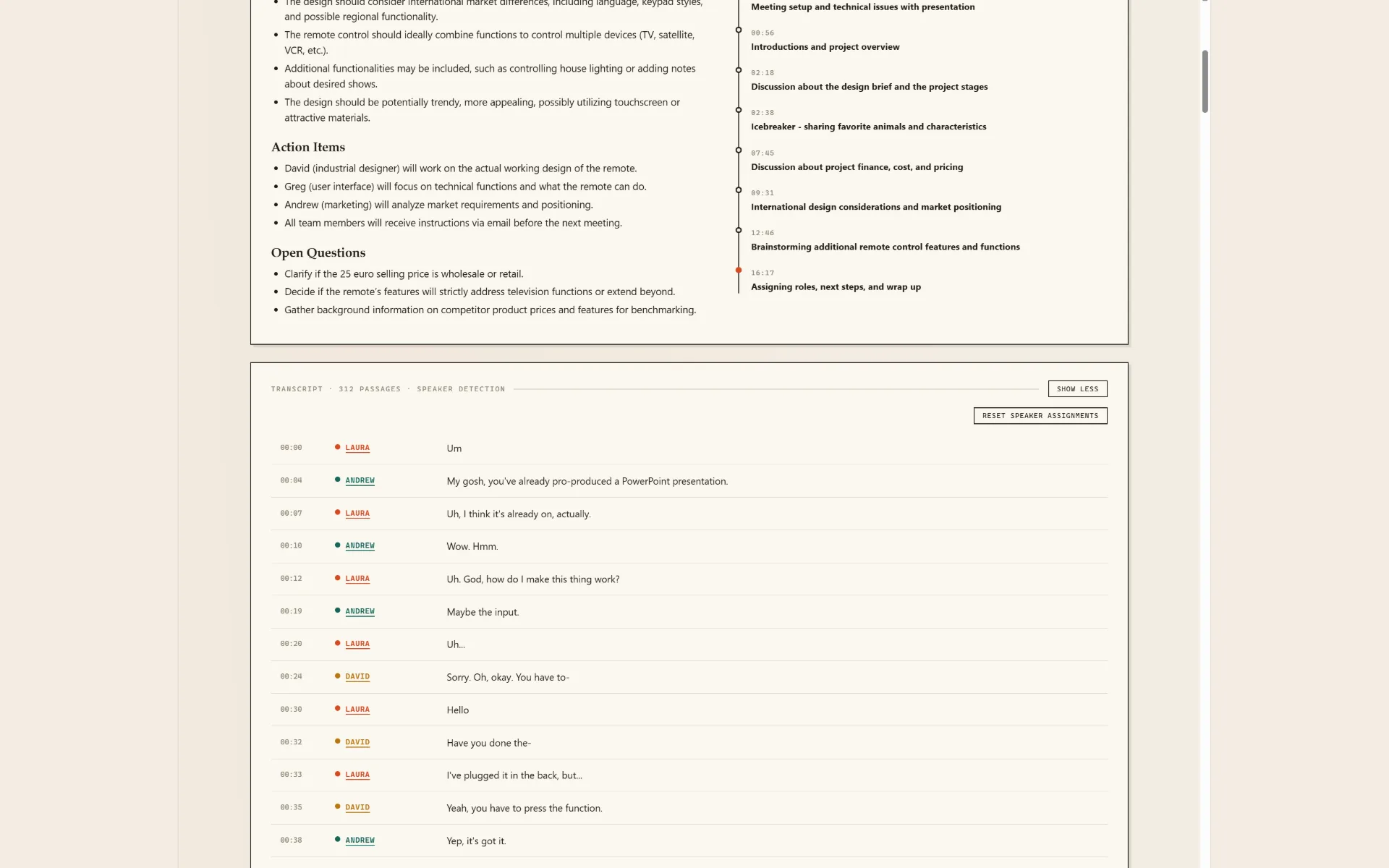
Every passage keeps its timestamp and its color-coded speaker. Assignments can be corrected and reset; the original audio stays attached.
Draft the follow-up email. List the open questions. Build the brief. The chatbox suggests tasks from this conversation, one click away.
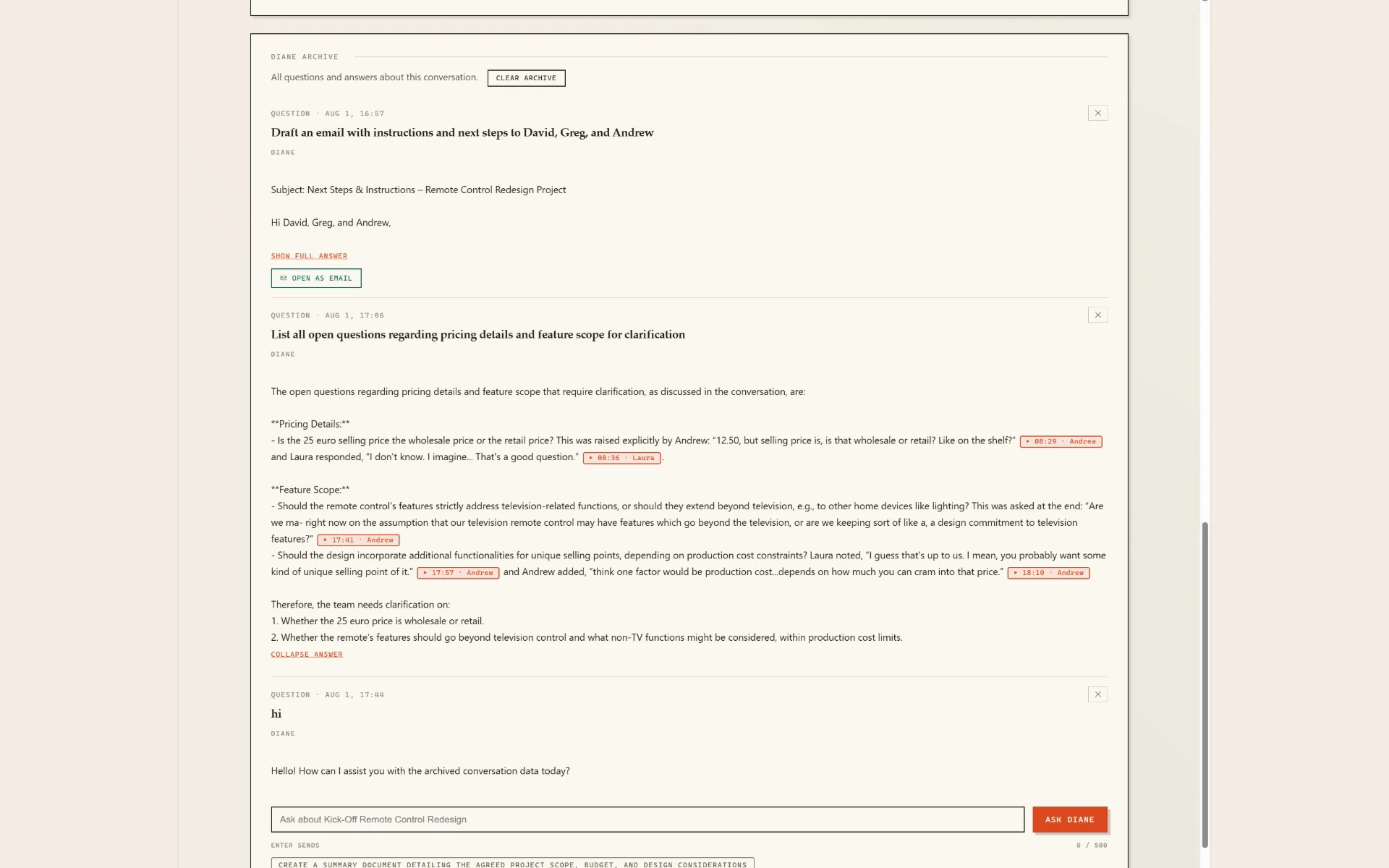
A follow-up email is just one possible output. Generated emails open in your mail client with one click, and every answer stays connected to the exact moments it came from, with timestamp and speaker citations.
File conversations by client or project. Search titles, summaries and transcripts. Keep answers in the Diane Archive.
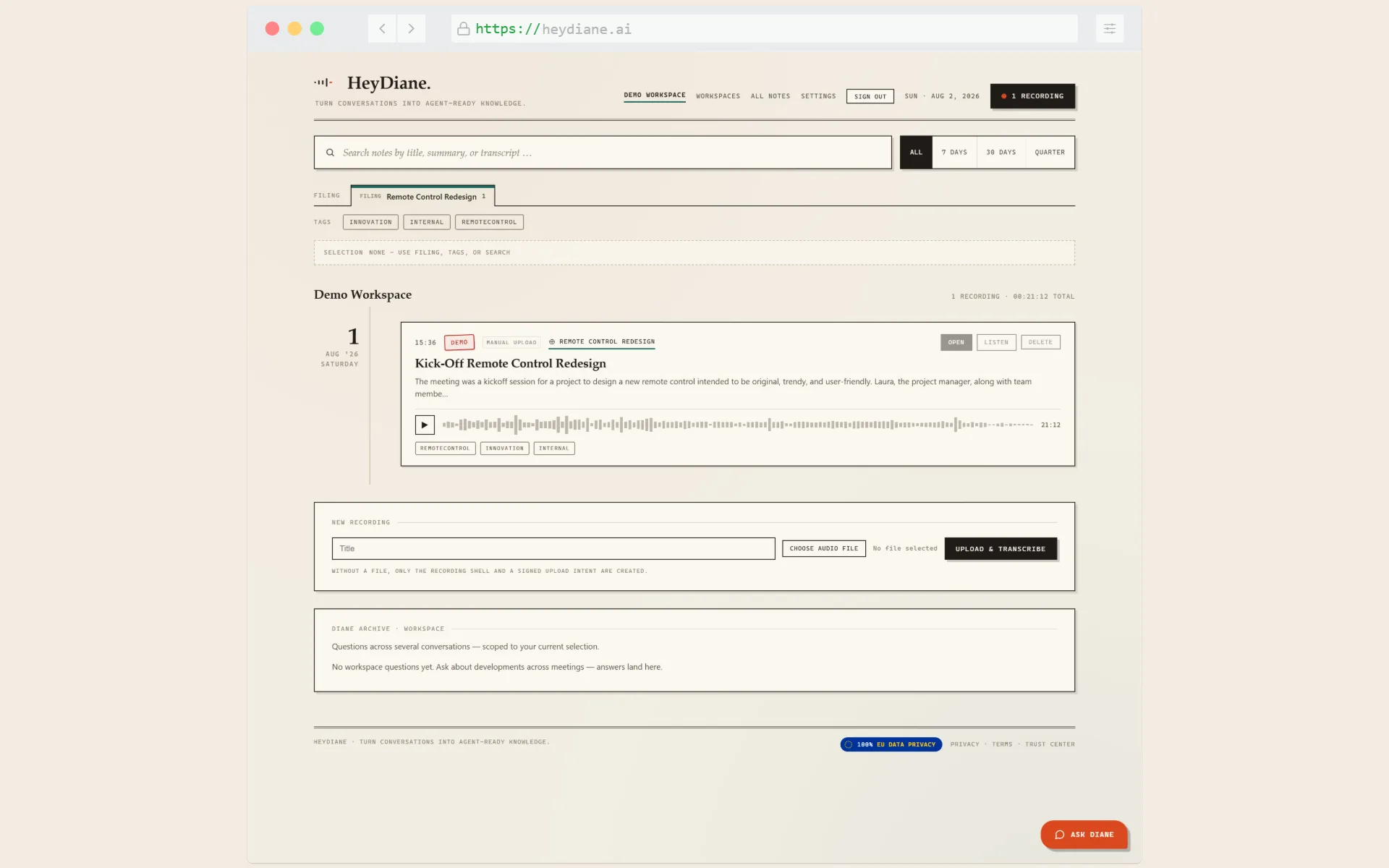
File conversations by client or project, then ask across the workspace. Diane retrieves the relevant context, keeps the source attached and helps turn the answer into the next piece of work.
You can search the notes. Or you can ask Diane.
"What was the budget for the project we discussed last month?"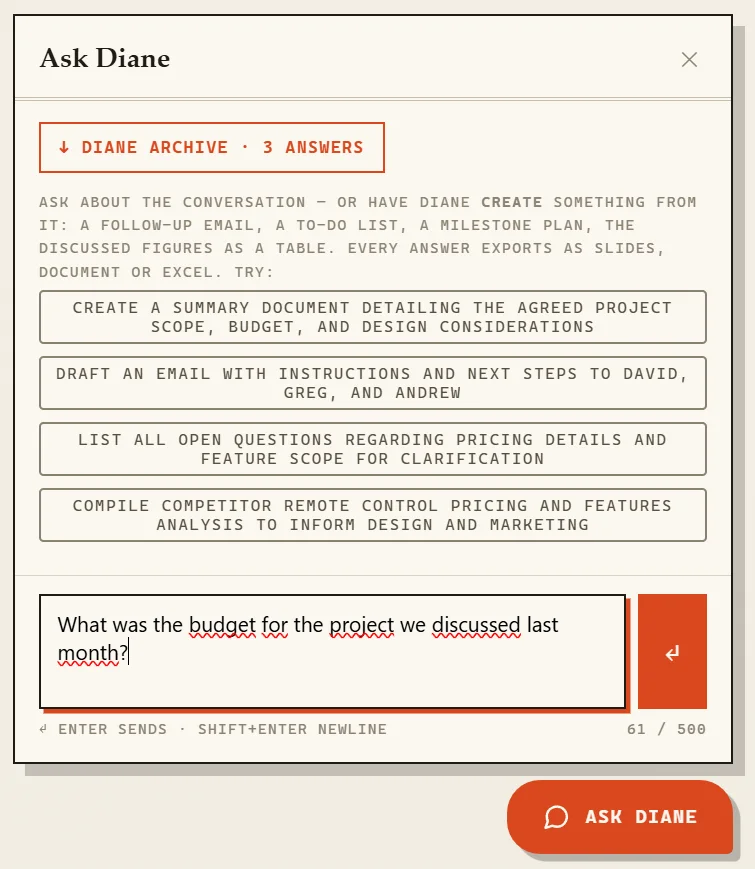
Storage, transcription and AI processing run entirely on EU infrastructure: Frankfurt, Paris, Ireland, Vienna. No US identity provider, no hidden sub-processor, and deletion that actually deletes.
Every plan includes all HeyDiane features. Choose a 3-day pass for one real project or a subscription for ongoing work.
Full access for 72 hours. One payment, no subscription.
For regular meetings, site visits and project documentation.
Equivalent to €19.08 per month, billed yearly.
Connect a source once: Dropbox, Google Drive, OneDrive, HeyPocket or another supported source. When a finished audio recording appears there, HeyDiane picks it up automatically, processes it and places the conversation in your workspace. You can also upload a file manually at any time.
Dropbox, Google Drive, OneDrive and HeyPocket, plus e-mail import and a desktop connector for folders like iCloud. More sources are added over time.
Yes. Manual upload is always available as a fallback. Drop an MP3, M4A, AAC, OGG, OPUS or WebM file into your workspace and it is processed the same way.
No. HeyDiane does not send a bot into your calls. You record where the conversation happens, on your phone or recorder, and HeyDiane takes over when the recording is finished.
Yes. HeyDiane separates speakers automatically and often recognizes names from the conversation itself. You can rename speakers, reassign passages and reset the assignment at any time.
In the European Union. Storage and processing run on EU infrastructure, and deleting a conversation removes the audio, transcript and all derived data. Details are in the Trust Center.
No. The phone in your pocket is the recorder. Put it on the table, press record in any app that produces an audio file, and HeyDiane takes over from the finished recording. There is no dongle, no meeting bot and no dedicated dictation device to buy.
Yes, with HeyRec on your laptop. A phone on the table only picks up your own voice in a call; HeyRec records the meeting audio together with your microphone, so both sides land in one file that HeyDiane processes like any other recording. Nothing joins the meeting and no one sees a bot in the participant list.
HeyRec is our own desktop recorder for Mac and Windows, and yes, it is free. It records the room, hands every finished recording to HeyDiane automatically and does nothing else. You can download it here. It is optional: any recorder app works just as well.
Every plan includes the whole product. A 3-day pass is €2.99 as a single payment and ends automatically, which is the way to try it on real work. Ongoing use is €29 per month or €229 per year, and the monthly plan can be cancelled anytime. Full details are in the pricing section.
The 3-day pass covers 5 hours of audio within its 72 hours. The monthly and yearly plans both include 10 hours of audio per month. One plan covers your whole account, and all your workspaces draw on the same allowance.
HeyDiane detects the language of a conversation from the recording itself, so you do not have to set it per file. Summaries, answers and generated documents follow the language of the conversation, and you can ask Diane for a different one.
Yes. Conversations live in workspaces, and you can invite colleagues into a workspace so everyone works from the same material. Every workspace is isolated from every other tenant down to the database row, and one plan covers all the workspaces in your account.
That depends on where you are and who is in the room, and it is your call, not something we can decide for you: recording rules differ between countries and situations. What we can say is that HeyDiane never joins a call or announces itself, so the recording stays visibly yours to start, stop and delete.